How to install Proxmox 8
Video Reference
Installing Proxmox
Create a bootable usb key with the latest release of proxmox iso, and boot from the usb key, you can find the iso files here.
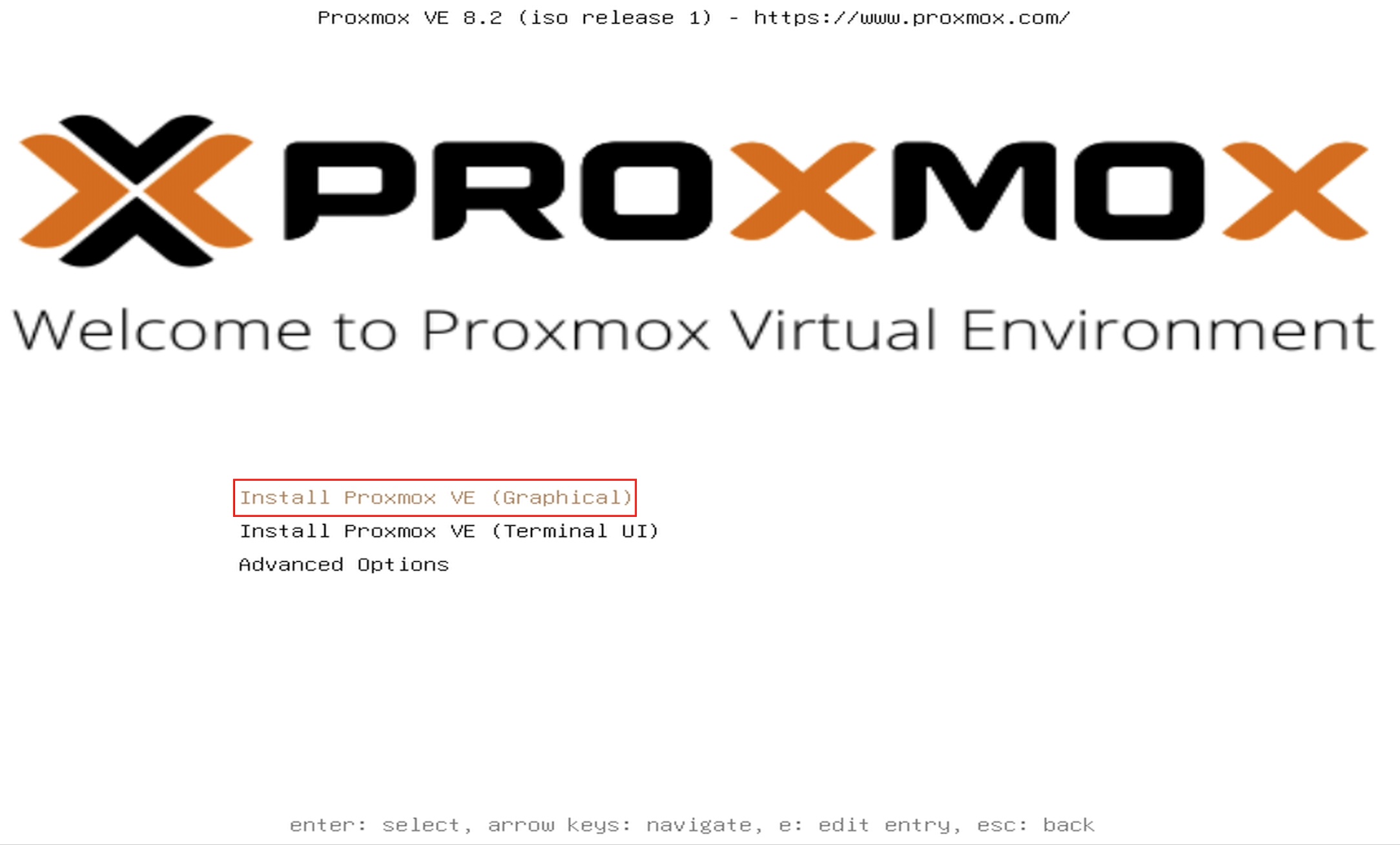
You will be greeted with the follwoing screen, just press on "Install Proxmox VE (Graphical)", to start the installation.
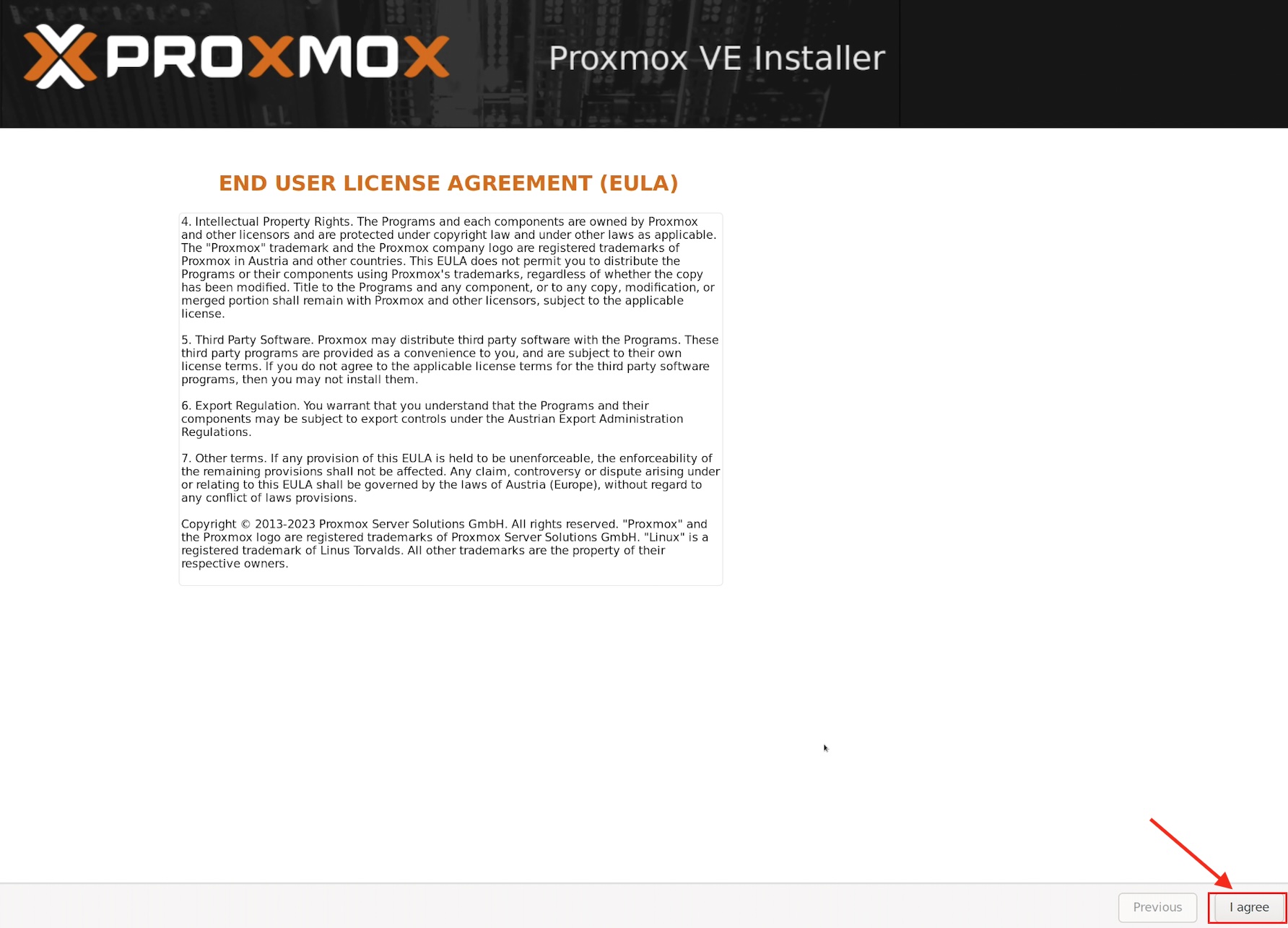
Then make sure to read the license agreenemt and click on "I agree" to continue.
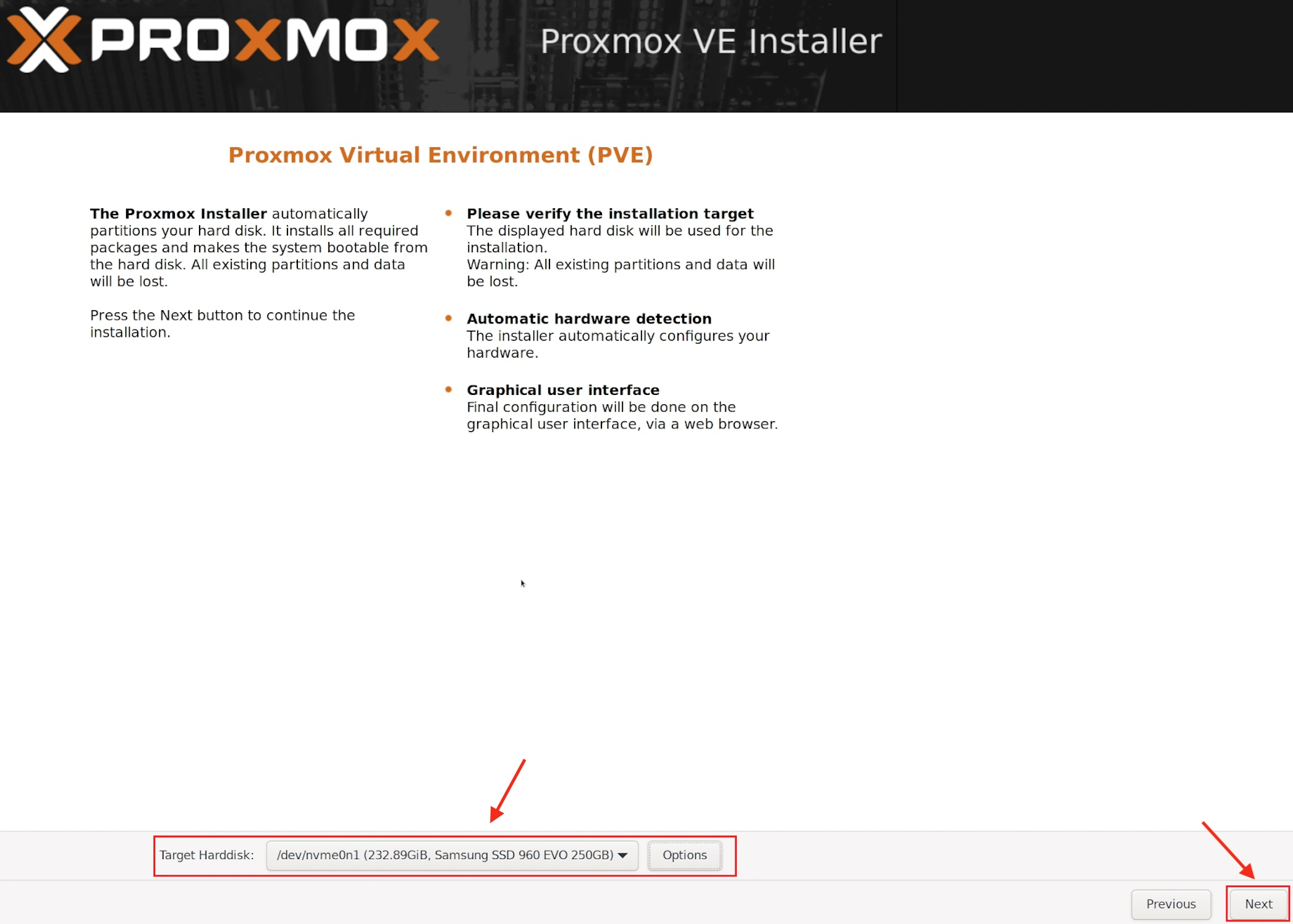
Here make sure you select the taget disk where you want to install proxmox and click on "Next" to continue.
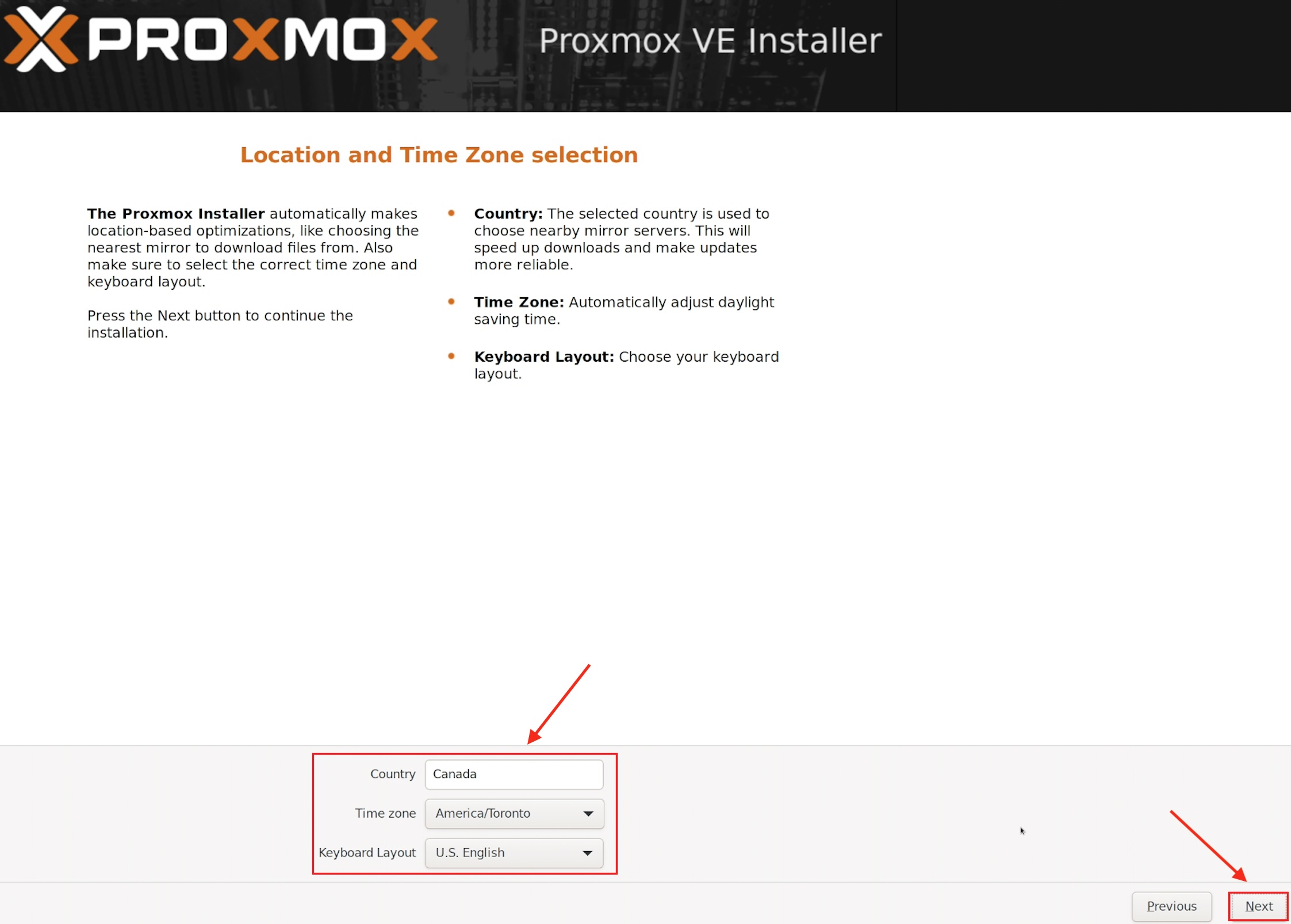
Here choose you current location, your timezone, and your keyboard layout and click on "Next" to continue.